Quick answer
Codex is most useful for game development when you treat it as a coding agent working inside a real project, not as a chatbot that generates isolated snippets.
A strong workflow looks like this:
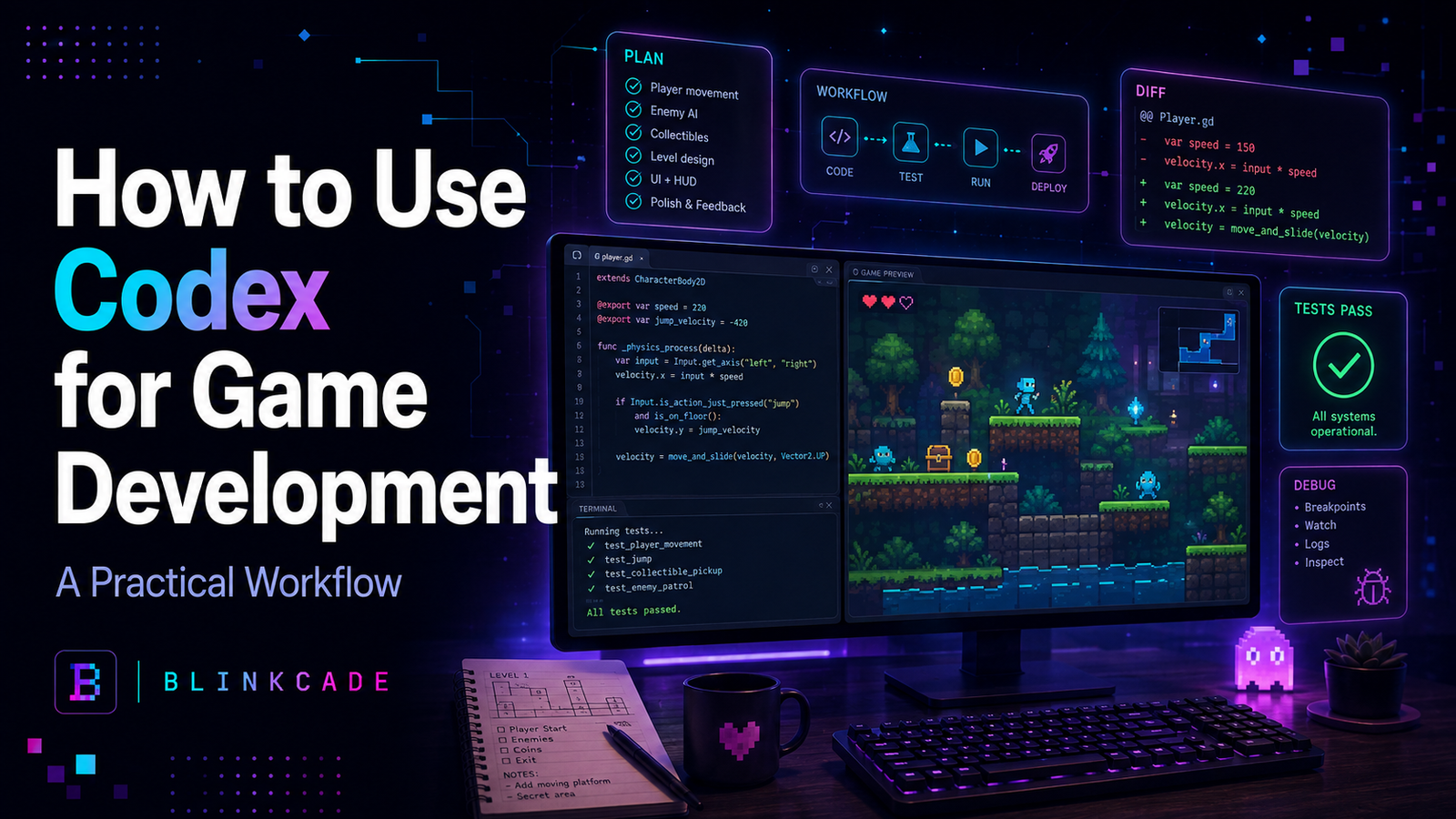
Game brief → inspect project → make a plan → implement one bounded change → run tests → review the diff → playtest → iterate.
Codex can write and modify files, inspect a codebase, execute development tasks, review code and help automate repeatable workflows. OpenAI currently makes Codex available across ChatGPT plans, with usage limits varying by plan, and provides it through several development surfaces including the Codex app, CLI, IDE integrations and cloud workflows.
For game developers, that means Codex can help with work such as movement systems, enemy logic, UI, save systems, refactoring, debugging, tests, build scripts and performance investigation.
The important part is learning how to give it the right job.
What is Codex?
Codex is OpenAI’s coding agent.
Unlike asking a general chatbot to print a block of code, an agentic coding workflow can operate against an actual project: reading relevant files, making edits, running commands, checking results and continuing through multiple steps.
OpenAI describes Codex as an agent for helping developers write, review and ship code. The current Codex ecosystem supports workflows through the dedicated app, command-line interface, IDE, cloud and related automation tooling.
That distinction matters for games.
A real game rarely consists of one file.
Even a modest project may contain:
- player controllers
- scenes
- physics
- input handling
- enemy systems
- UI
- audio
- save data
- configuration
- build scripts
- assets
- tests
- platform integrations
When an AI only sees one pasted function, it can easily suggest a fix that conflicts with the rest of the game.
Codex is more useful when it can work with the project as a system.
Where Codex helps most in game development
Codex is not equally useful for every part of making a game.
It is particularly strong when the task has a clear technical outcome.
Examples include:
Implementing gameplay systems
You can assign work such as:
Add a dash ability to the existing player controller.
or:
Implement enemy spawning according to the rules in
game-design.md.
The better defined the behavior, the easier it is to verify.
Debugging
Instead of pasting an error into a chat and receiving a speculative answer, Codex can inspect related project files and determine whether the problem originated elsewhere.
That can be useful for issues such as:
- scene lifecycle bugs
- incorrect asset paths
- null references
- state transitions
- save corruption
- inconsistent input
- build failures
Refactoring
A coding agent can be particularly useful for repetitive structural work:
Move scoring rules out of the scene and into a separate system without changing gameplay behavior.
That is tedious manually but relatively easy to verify afterward.
Tests
Codex can create or expand unit, integration and browser tests.
For example:
Add tests proving the player cannot take damage during the 250 ms invulnerability window after being hit.
Build and tooling work
Game development includes a surprising amount of non-game code:
- asset-processing scripts
- build configuration
- deployment
- linting
- test configuration
- release scripts
- telemetry
Codex can often handle this work more predictably than subjective gameplay design.
Step 1: Give Codex a game brief before asking for code
A coding agent cannot infer your design intent reliably from source code alone.
Create a small project document.
For example:
# Game Brief

## Game
Neon Survivor

## Core loop
Move around a small arena.
Enemies continuously approach.
Auto-fire attacks the nearest target.
Collect energy from defeated enemies.
Survive for 10 minutes.

## Technical rules
- TypeScript
- Phaser
- Vite
- Vitest
- Playwright
- 60 FPS target
- Keyboard and gamepad
- No React inside gameplay runtime

## Architecture rules
- Gameplay rules should not depend on platform APIs.
- Do not rewrite working systems without approval.
- New systems should include tests where practical.
- Prefer small modules over large manager classes.

## Current milestone
One arena, one weapon, two enemy types.
Now Codex has something stable to reference.
This is much better than repeatedly explaining the game differently in every prompt.
It also reduces one of the biggest risks of AI-assisted development: design drift.
Step 2: Ask Codex to inspect before it changes anything
For an unfamiliar or increasingly complicated game project, do not start with:
Fix everything.
Start with:
Inspect this repository before changing any files.

Read the game brief and relevant source files.

Explain:

1. the current gameplay architecture,
2. how the player controller works,
3. where enemy spawning is implemented,
4. how game state is stored,
5. which tests currently exist,
6. any obvious architectural risks.

Do not modify code yet.
This does two things.
First, you discover whether Codex actually understands the project.
Second, you can correct misunderstandings before they become code.
This approach aligns with OpenAI’s current guidance for larger Codex tasks: start with planning, point the agent toward the relevant context, state constraints, and define what finished work should look like.
Step 3: Use planning mode for substantial changes
Suppose we want to add a dash mechanic.
Do not immediately ask Codex to start editing ten files.
Ask for the plan first.
/plan

GOAL

Add a player dash ability.

CURRENT BEHAVIOR

The player moves with WASD and gamepad.
Normal movement is already working and must remain unchanged.

DASH RULES

- Space or gamepad face button activates it.
- Dash duration: 150 ms.
- Cooldown: 1 second.
- Player moves 2.5× normal speed.
- Player cannot dash through solid walls.
- Player cannot trigger another dash during cooldown.

CONSTRAINTS

Do not rewrite the movement system.
Do not change existing input bindings.
Do not add visual effects yet.

DONE WHEN

- keyboard dash works,
- gamepad dash works,
- walls still block the player,
- cooldown is enforced,
- existing movement tests still pass,
- new dash behavior has tests.
For larger tasks, planning first helps Codex inspect the work and propose an implementation sequence before changing files.
Review that plan.
If the plan says:
Replace the entire player controller.
reject it.
The right response may be:
Keep the existing PlayerController.

Revise the plan so dash is implemented as the smallest possible extension to the current movement architecture.
That one intervention can save a lot of cleanup.
Step 4: Keep Codex tasks bounded
One of the biggest mistakes with coding agents is confusing:
Codex can perform a lot of work
with:
Codex should change everything at once.
Game development becomes safer when each task has a narrow acceptance boundary.
Good task:
Add dash behavior and its tests.
Riskier task:
Improve player movement, combat, enemy AI, graphics, UI and performance.
OpenAI’s published Codex practices emphasize scoped assignments, concrete project context, and prompts that resemble real engineering issues or pull-request descriptions.
That model works particularly well for games.
Think in gameplay tickets.
BC-GAME-014
Add dash.
BC-GAME-015
Add dash animation.
BC-GAME-016
Add dash sound.
BC-GAME-017
Balance dash cooldown.
Those may ultimately form one polished mechanic, but they are easier to inspect individually.
Step 5: Make Codex prove the change works
The most important sentence in an AI coding prompt may be:
Done when…
Without acceptance criteria, an agent can finish when the code merely looks complete.
Game code needs stronger verification.
For the dash feature:
Before finishing:

1. run existing tests,
2. add tests for dash cooldown,
3. verify normal movement tests still pass,
4. run the production build,
5. report every file changed,
6. report anything you could not verify.
Now the task is not:
Write dash code.
It is:
Produce a dash implementation with evidence that it did not break the project.
That difference becomes increasingly important as your game grows.
Step 6: Review the diff before playtesting
Never assume that because the build succeeds, the implementation is good.
Review what Codex changed.
Look for:
Unnecessary rewrites
Did it replace working code unrelated to the feature?
Duplicate systems
Did it introduce a second input system rather than using the current one?
Hard-coded values
Did it scatter:
0.15through several files instead of defining the dash duration centrally?
Architecture inflation
Did a simple dash create:
DashManager
DashService
DashController
DashCoordinator
and
DashEventBus?
That is probably too much.
Removed behavior
AI-assisted refactoring can accidentally delete edge-case handling that wasn’t obvious from the prompt.
A clean diff is often more valuable than a clever one.
Step 7: Play the game yourself
This is where game development differs from many ordinary software tasks.
A test can prove:
Dash velocity equals the expected value.
It cannot prove:
Dashing feels good.
You still need to play.
You may discover:
- the dash is too long
- camera movement is uncomfortable
- cooldown feels sluggish
- collision feels unfair
- sound arrives too late
- gamepad activation is awkward
- the mechanic trivializes enemies
Then give Codex observed feedback.
Bad:
Make the dash better.
Better:
The feature works technically.

After playtesting:

- 150 ms feels too long.
- Reduce dash duration to 100 ms.
- Keep total dash distance approximately the same by adjusting dash speed.
- Cooldown should remain 1 second.
- Do not alter collision behavior.
- Update the relevant tests.
Codex handles measurable feedback better than vague taste.
You remain responsible for the taste.
Step 8: Use Codex for debugging with evidence
Imagine the game occasionally freezes after restarting.
Instead of:
My game freezes sometimes. Fix it.
try:
Investigate a restart freeze.

Observed behavior:
- It only happens after Game Over.
- It appears approximately once every 5–10 restarts.
- Audio continues.
- Rendering stops updating.
- Browser console shows no uncaught exception.

Do not change files initially.

Inspect:
- scene restart lifecycle,
- requestAnimationFrame/update loops,
- event listeners,
- timers,
- object cleanup.

Give me the three most likely causes, ranked by evidence from this repository.

Then propose the smallest diagnostic instrumentation needed to prove which one is correct.
This changes Codex from code generator to investigator.
That is often a much better use of it.
Step 9: Give Codex persistent project rules
If you repeatedly tell the agent:
Don’t change the Blinkcade integration.
Keep gameplay code independent.
Run tests.
Don’t rewrite working systems.
you should capture those rules in repository guidance rather than repeating yourself forever.
For a game project, useful rules might include:
# Engineering Rules

## Protected systems

Do not modify:
- platform authentication
- monetization bridge
- telemetry schema

without explicit approval.

## Gameplay

Gameplay code must run without platform APIs.

## Verification

Every gameplay-system change must:
- run unit tests,
- run the build,
- preserve existing tests,
- report changed files.

## Scope

Never replace an existing subsystem solely because a different architecture would be cleaner.
Over time, this creates a much more predictable agent.
Step 10: Use parallel agents carefully
Modern Codex workflows can support multiple concurrent or longer-running development tasks.
That can be useful in games.
You might run separate tasks for:
Agent A: add controller tests.
Agent B: investigate asset-loading performance.
Agent C: review save-system edge cases.
But don’t casually have three agents modifying the same player controller simultaneously.
Parallelism works best when workstreams are genuinely separable.
Otherwise you replace coding time with merge-conflict time.
A reusable Codex prompt for game development
A strong default template is:
GOAL
What should change and why?

PLAYER EXPERIENCE
What should the player notice?

CONTEXT
Which files, systems, brief, issue or existing pattern should you inspect?

CURRENT BEHAVIOR
What already works?

REQUIREMENTS
Exactly what should happen?

CONSTRAINTS
What must remain unchanged?

TESTS
What should be verified automatically?

DONE WHEN
What evidence proves the task is finished?

REPORT
List changed files, tests run, unresolved risks and anything you could not verify.
This format is intentionally similar to an engineering issue.
That is a feature, not a limitation.
Codex tends to perform better when you give it a real assignment rather than an open-ended wish.
What should Codex not decide for you?
Codex can become very good at answering:
How should we implement this mechanic?
It should not automatically own:
Should this mechanic exist?
Those are different questions.
You should remain responsible for:
- game feel
- creative direction
- difficulty
- pacing
- player psychology
- art direction
- monetization philosophy
- scope
- what is actually fun
A coding agent can produce five technically valid inventory systems.
Only you can decide whether your game needs an inventory system in the first place.
Is Codex better than ChatGPT for game development?
They overlap, but I would use them differently.
Use ChatGPT when the work is primarily:
- brainstorming
- game-design discussion
- explaining concepts
- comparing approaches
- writing briefs
- analyzing player experience
Use Codex when the task needs to operate on the actual software project:
- inspect files
- implement code
- refactor
- run tests
- debug repository-level issues
- review diffs
- automate engineering work
In practice, a strong AI-assisted workflow may use both.
ChatGPT helps define what you want.
Codex helps execute it inside the codebase.
Blinkcade verdict
Codex is most valuable to game developers when you stop treating AI coding as:
prompt → code
and start treating it as:
brief → inspect → plan → implement → verify → review → playtest → refine
That workflow matters far more than finding the perfect magic prompt.
Give Codex a real project.
Give it stable game-development rules.
Keep individual changes bounded.
Define what “done” means.
Make it run the tests.
Review what it changed.
And then play the game yourself.
The agent can accelerate the engineering dramatically.
The developer still has to decide whether the result deserves to stay in the game.
Sources & verification
- OpenAI — Codex: https://openai.com/codex/
- OpenAI Help Center — Using Codex: https://help.openai.com/en/articles/11369540-usi
- OpenAI Academy — Codex resources: https://openai.com/academy/codex/
- OpenAI — How OpenAI uses Codex: https://cdn.openai.com/pdf/6a2631dc-783e-479b-b1a4-af0cfbd38630/how-openai-uses-codex.pdf
- OpenAI — Introducing the Codex app: https://openai.com/index/introducing-the-codex-app/
Last verified: September 2, 2026
Blinkcade original contribution: game-specific Codex workflow, game-development acceptance-test framework, playtest/agent separation model, debugging prompt pattern and reusable game-engineering task template.